This article details a robust eight-bit binary converter for calculators, ensuring effortless accurate conversions now. Engineered for engineers and developers, it covers algorithms, UX, tables, formulas, and normative references globally.
8-bit Binary Converter & Diagnostic Tool
Overview of 8-Bit Binary Converter Principles
An 8-bit binary converter for calculators must be deterministic, low-latency, and error-resilient. It typically supports unsigned, two's-complement signed, and hexadecimal representations, plus bitwise operations and mask utilities. The converter's primary function is to map 8-bit binary strings (b7...b0) into numeric domains used by calculators and small embedded systems, and vice versa.This design pattern optimizes for constrained input methods (physical keys, small touchscreens) while delivering fast, auditable conversions. Key architectural choices include algorithmic complexity O(1) for bit-weight summation, O(n) for division-based conversions where n is number of bits, and robust input validation to prevent overflow and malformed strings.Binary fundamentals and bit weighting
Bit positions and their numeric weights
An 8-bit pattern represents values by weighted bits. The most common representation is unsigned binary with weights 2i, i from 0 to 7. For signed integers, two's complement is the de facto standard in modern digital systems and calculators because it simplifies arithmetic hardware and algorithms.| Bit index (i) | Bit symbol | Weight (2i) | Typical usage |
|---|---|---|---|
| 7 | b7 | 27 = 128 | MSB; sign bit in two's complement |
| 6 | b6 | 26 = 64 | High magnitude |
| 5 | b5 | 25 = 32 | High magnitude |
| 4 | b4 | 24 = 16 | Intermediate |
| 3 | b3 | 23 = 8 | Low-medium |
| 2 | b2 | 22 = 4 | Low |
| 1 | b1 | 21 = 2 | Bit 1 |
| 0 | b0 | 20 = 1 | LSB; unit weight |
Core formula for binary-to-decimal conversion
Decimal = b7×27 + b6×26 + b5×25 + b4×24 + b3×23 + b2×22 + b1×21 + b0×20
Explanation of variables: - bi: binary digit at index i, either 0 or 1. - 2i: weight for bit position i. Typical values: - bi ∈ {0,1} - i ∈ {0,1,2,3,4,5,6,7} - Resulting Decimal ∈ [0, 255] for unsigned interpretation.Unsigned conversion algorithms
Direct evaluation (bit-weight sum)
This is the fastest approach for calculators that accept an 8-character binary string. Complexity is fixed: evaluate the 8 multiplications and additions. Implementation detail: compute sum with integer arithmetic, no floating-point required.Steps:- Validate input length equals 8 and characters are '0' or '1'.
- Map bit positions to their weights (128..1).
- Compute Decimal = Σ bi × 2i.
- Return Decimal as unsigned value and provide hex representation if requested.
Division-by-two algorithm (decimal-to-binary)
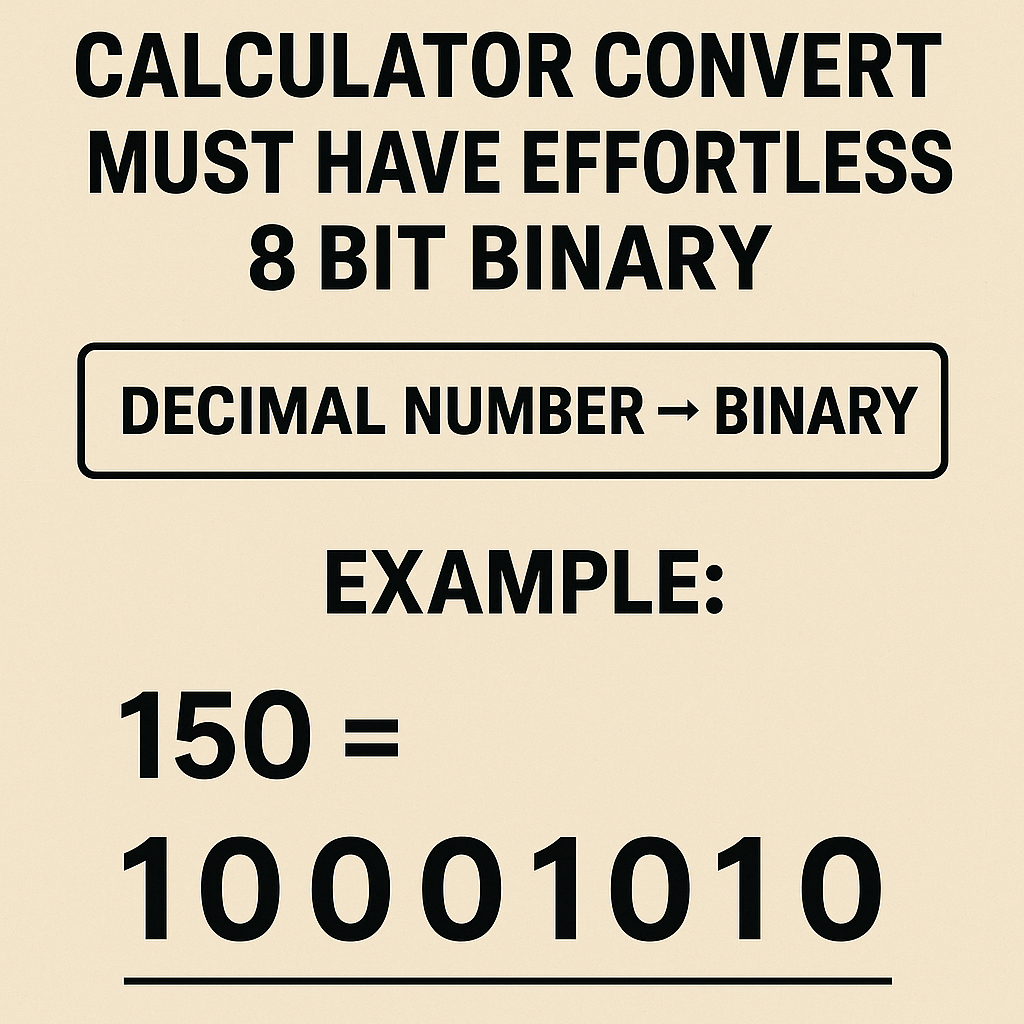
To convert a decimal (0–255) to an 8-bit binary string, use repeated division by 2 producing remainders.Algorithm (human-readable):- Take decimal N (0 ≤ N ≤ 255).
- For i from 0 to 7: compute remainder r = N mod 2; set bi = r; then N = floor(N / 2).
- The binary string is b7b6...b0 (read remainders in reverse order of computation).
Signed representation: two's complement handling
Two's complement conversion rules
Two's complement maps the same 8-bit patterns to signed integers in range [-128, +127]. Conversion rules:- Binary to signed decimal: - If b7 = 0: interpret as unsigned (0..127). - If b7 = 1: signed value = - (256 - unsigned_value). - Signed decimal to two's complement binary: - For non-negative K (0..127): convert normally. - For negative K (-128..-1): compute unsigned representation U = 256 + K, where K is negative; then convert U to binary.HTML-readable formula examples:If unsigned_value = Σ bi×2i, and b7 = 1, then Signed = unsigned_value - 256.
Extensive reference tables with common values
Table: powers of two and hex equivalents
| Power | Value | 8-bit Binary | Hex |
|---|---|---|---|
| 20 | 1 | 00000001 | 0x01 |
| 21 | 2 | 00000010 | 0x02 |
| 22 | 4 | 00000100 | 0x04 |
| 23 | 8 | 00001000 | 0x08 |
| 24 | 16 | 00010000 | 0x10 |
| 25 | 32 | 00100000 | 0x20 |
| 26 | 64 | 01000000 | 0x40 |
| 27 | 128 | 10000000 | 0x80 |
Table: common 8-bit values (0–31 shown as extended sample)
| Unsigned | Signed (two's comp) | 8-bit Binary | Hex |
|---|---|---|---|
| 0 | 0 | 00000000 | 0x00 |
| 1 | 1 | 00000001 | 0x01 |
| 2 | 2 | 00000010 | 0x02 |
| 3 | 3 | 00000011 | 0x03 |
| 4 | 4 | 00000100 | 0x04 |
| 5 | 5 | 00000101 | 0x05 |
| 6 | 6 | 00000110 | 0x06 |
| 7 | 7 | 00000111 | 0x07 |
| 8 | 8 | 00001000 | 0x08 |
| 9 | 9 | 00001001 | 0x09 |
| 10 | 10 | 00001010 | 0x0A |
| 11 | 11 | 00001011 | 0x0B |
| 12 | 12 | 00001100 | 0x0C |
| 13 | 13 | 00001101 | 0x0D |
| 14 | 14 | 00001110 | 0x0E |
| 15 | 15 | 00001111 | 0x0F |
| 16 | 16 | 00010000 | 0x10 |
| 17 | 17 | 00010001 | 0x11 |
| 18 | 18 | 00010010 | 0x12 |
| 19 | 19 | 00010011 | 0x13 |
| 20 | 20 | 00010100 | 0x14 |
| 21 | 21 | 00010101 | 0x15 |
| 22 | 22 | 00010110 | 0x16 |
| 23 | 23 | 00010111 | 0x17 |
| 24 | 24 | 00011000 | 0x18 |
| 25 | 25 | 00011001 | 0x19 |
| 26 | 26 | 00011010 | 0x1A |
| 27 | 27 | 00011011 | 0x1B |
| 28 | 28 | 00011100 | 0x1C |
| 29 | 29 | 00011101 | 0x1D |
| 30 | 30 | 00011110 | 0x1E |
| 31 | 31 | 00011111 | 0x1F |
Error handling, UX, and calculator-specific considerations
Input validation and normalization
A robust calculator converter must:- Trim whitespace and normalize different digit groups (allow spaces, underscores for readability and strip them before parsing).
- Reject any string not exactly 8 binary digits for strict mode, or pad/truncate in tolerant mode.
- Provide clear error messages: "Invalid character", "Too short/long", or "Overflow for signed interpretation".
UX features that are must-have
Delivering "effortless" UX requires small but powerful features:- Instant conversion on input (without separate buttons), with optional confirmation step for critical operations.
- Toggle views for unsigned, signed (two's complement), and hexadecimal simultaneously.
- Bit-level control: allow tapping individual bits to flip them and update results immediately.
- Endianness annotation and guidance (most user-level calculators assume big-endian reading MSB left).
- Persistence of last value and copy-to-clipboard actions for integrated workflows.
Performance and implementation constraints
Complexity analysis and optimization
For 8-bit conversions, algorithmic complexity is negligible: O(1) for fixed-length operations. However, practical optimizations matter in embedded calculators with tight cycles and power budgets:- Use integer arithmetic exclusively; avoid floating-point libraries to cut code size and cycles. - Use lookup tables for repeated conversions (e.g., precompute binary-to-decimal for 256 entries if memory permits). - For minimal memory, implement direct bit-weight accumulation using bit-shifts: unsigned_value = (b7<<7) | ... | (b0<<0).Overflow, range checks, and flagging
- Unsigned conversion must check that input length ≤ 8 when parsing variable-length binary. - Signed overflow occurs when arithmetic operations exceed [-128,127]. Calculator UI should display overflow flags and optional wrap/no-wrap settings. - Provide explicit detection: for addition, detect carry-out from MSB and inconsistency between carry-in and carry-out for signed overflow.Real-world examples with step-by-step solutions
Example 1: Convert binary 11010110 to unsigned decimal, signed decimal, and hex
Input: 11010110 (eight bits)Step-by-step unsigned conversion:- List bit weights aligned to digits:
- b7=1 → 128
- b6=1 → 64
- b5=0 → 0
- b4=1 → 16
- b3=0 → 0
- b2=1 → 4
- b1=1 → 2
- b0=0 → 0
- Sum contributions: 128 + 64 + 16 + 4 + 2 = 214.
- Unsigned decimal result: 214.
- MSB b7 = 1 indicates a negative number.
- Compute signed = unsigned_value - 256 = 214 - 256 = -42.
- Signed decimal result: -42.
- Group bits by nibble: 1101 0110.
- 1101 = 0xD; 0110 = 0x6.
- Hex: 0xD6.
Example 2: Convert decimal 201 to 8-bit binary and then interpret as signed two's complement
Input: Decimal 201 (ensure within 0..255 for 8-bit unsigned)Step-by-step division-by-two method:- 201 / 2 = 100 remainder 1 → b0 = 1
- 100 / 2 = 50 remainder 0 → b1 = 0
- 50 / 2 = 25 remainder 0 → b2 = 0
- 25 / 2 = 12 remainder 1 → b3 = 1
- 12 / 2 = 6 remainder 0 → b4 = 0
- 6 / 2 = 3 remainder 0 → b5 = 0
- 3 / 2 = 1 remainder 1 → b6 = 1
- 1 / 2 = 0 remainder 1 → b7 = 1
- Read remainders top-down b7...b0 = 11001001.
Example 3: Convert negative decimal -37 into 8-bit two's complement binary
Input: Decimal -37 (must be in range -128..-1)Step-by-step:- Take absolute value 37 and convert to binary:
- 37 /2 sequence yields 00100101 (verify: 32 + 4 + 1 = 37)
- Invert bits: 00100101 → 11011010.
- Add 1 to inverted: 11011010 + 1 = 11011011.
- Final two's complement representation: 11011011.
Design patterns for calculator converters and APIs
Minimal API contract (recommended)
Design a small API surface for calculator integration:- convertBinaryTo({binary: "11001001", mode: "unsigned"|"signed"|"hex"}) → returns numeric or string results with metadata (overflow flags).
- convertDecimalToBinary({number: 201, bits: 8, signed: false}) → returns binary string padded to bits.
- toggleBit({binary: "00001010", index: 3}) → returns new binary string and computed values.
Testing and validation
- Unit tests should cover boundary cases: 0, 1, 127, 128, 255, -1, -128. - Property tests: converting decimal→binary→decimal must return initial value for allowed ranges. - UX tests: keyboard input sequences, copy-paste with separators, and behavior on non-ASCII digits.Security and normative references
For device-level reliability and compliance, adhere to standards for numeric representation, data interchange, and human interface guidelines. The following authoritative sources inform best practices and formal definitions:- IEEE 754-2019 — Standard for Floating-Point Arithmetic (context for general numeric representations and best practices): https://ieeexplore.ieee.org/document/8766229
- NIST — guidance and publications on digital computation and secure implementation practices: https://www.nist.gov
- ISO — general standards repository, consult platform-specific standards for safety-critical calculators: https://www.iso.org
- RFC 791 and related networking standards for byte/bit-order conventions when interfacing with networked devices: https://tools.ietf.org/html/rfc791
- Donald Knuth, The Art of Computer Programming — Volumes discussing binary arithmetic and algorithms (Addison-Wesley).
- Two's complement authoritative explanation (for system design): see computer architecture texts such as Patterson & Hennessy.
Testing matrices and recommended full-value table distribution
For production documentation include a downloadable CSV or JSON table enumerating all 256 mappings: binary (00000000..11111111), unsigned decimal, signed decimal (two's complement), hex, and parity bit. This facilitates automated tests and cross-platform verification.Suggested test cases (must-pass):- Zero and unit tests: 0, 1, 2.
- High boundary: 127, 128, 255.
- Negative extremes: -1, -128.
- Randomized round-trip: generate N random values, convert decimal→binary→decimal, assert equality.
Deployment recommendations and checklist
For an effortless, must-have 8-bit calculator converter:- Include simultaneous display of unsigned, signed, and hex outputs.
- Allow toggles for bit grouping (4-bit nibble separators) and endianness notes.
- Provide copy and export functions (CSV/JSON) for engineering workflows.
- Cache commonly used conversions and provide server-side verification endpoints for distributed calculator ecosystems.
- Localize numeric formatting and ensure accessibility (screen reader-friendly textual equivalents for bits and values).
Final operational verification and maintainability
Regularly validate the converter against the authoritative mapping table and include unit tests in CI. Maintain documentation with:- Complete 256-entry mapping file.
- Examples and step-by-step derivations for all edge cases.
- Performance budgets and constraints for target hardware.
- IEEE 754-2019 Standard: https://ieeexplore.ieee.org/document/8766229
- NIST — Computer Security and Standards resources: https://www.nist.gov
- ISO standards index for information technology: https://www.iso.org/committee/45326.html
- Patterson, David A., and John L. Hennessy. Computer Organization and Design — for two's complement and architecture-level details.